Dashboard #
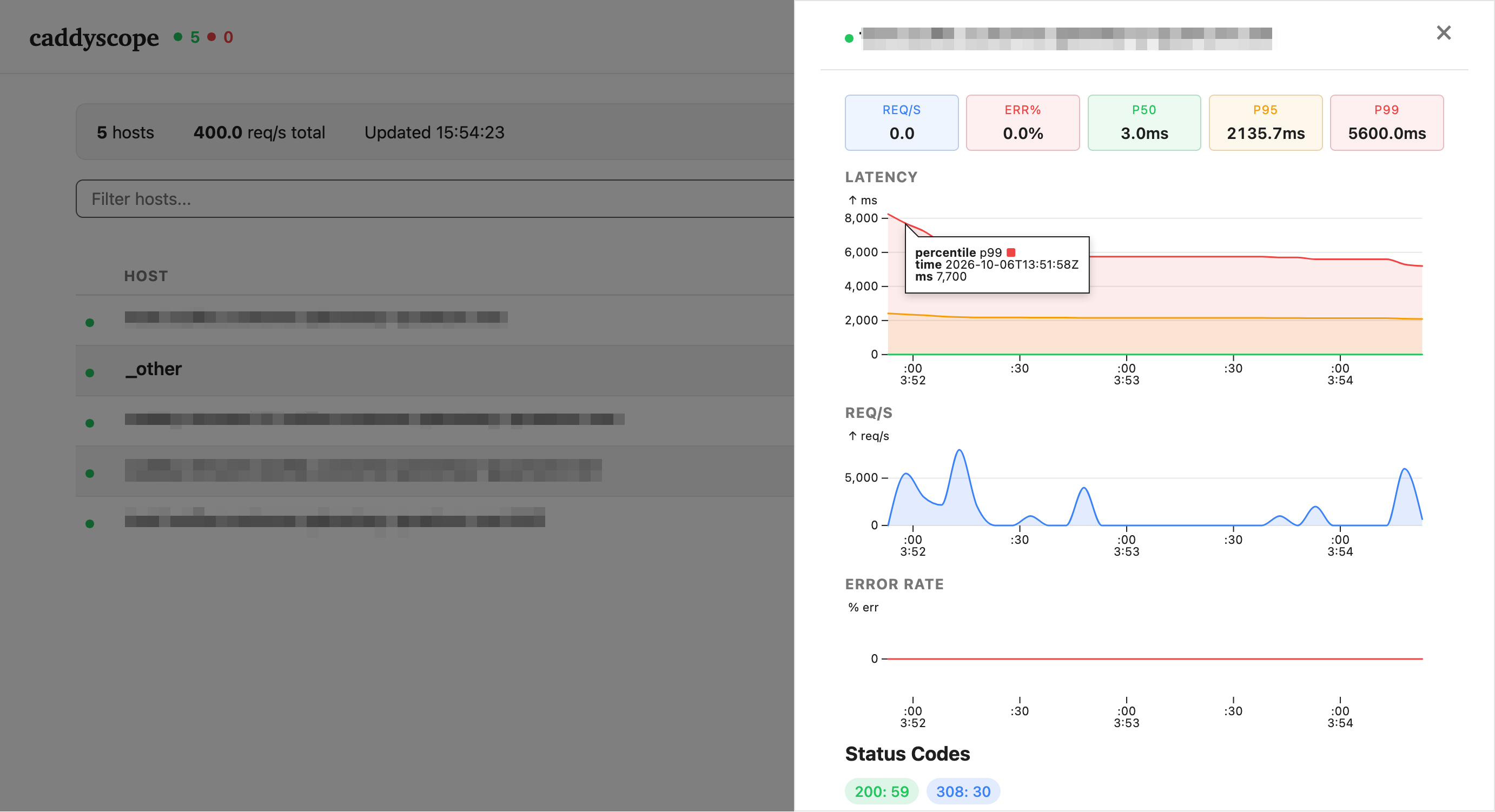
Our Caddy distribution includes a dashboard called Caddyscope. Unlike most other dashboards, Caddyscope is read-only and renders data in the browser from Caddy’s internal Prometheus metrics.
Setup #
The first step is to create a password for Caddyscope using Caddy’s hash-password command. It prompts you for a password and prints a hashed version:
docker run --rm -it \
  --platform linux/amd64 \
  r.planetary-quantum.com/quantum-public/caddy:v2.11.7-pq.0-caddyscope hash-password

Enter password:
Confirm password:
$2a$14$m5L4xZs.a69KvI.WQRgzKeZPAZx1AysQ9T3rjrL/G9FF8px2JqiQy
You may also run caddy hash-password if you installed Caddy on your computer.
Please note that the command does not enforce password complexity. The hash above is test123 — do not use weak passwords in production; use a password manager to generate a strong one.Next, escape every $ as $$ and add it to your Caddy stack:
version: "3.7"

services:
  proxy:
    image: r.planetary-quantum.com/quantum-public/caddy:v2.11.7-pq.0-caddyscope
    ports:
      - target: 80
        published: 80
        protocol: tcp
        mode: host
      - target: 443
        published: 443
        protocol: tcp
        mode: host
    environment:
      - "CADDY_EMAIL=name@example.org"
      - "CADDYSCOPE_PASSWORD_HASH=$$2a$$14$$m5L4xZs.a69KvI.WQRgzKeZPAZx1AysQ9T3rjrL/G9FF8px2JqiQy"
    volumes:
      - /var/run/docker.sock:/var/run/docker.sock:ro
      - caddy-data:/data
    deploy:
      mode: global
      placement:
        constraints:
          - node.role == manager
      labels:
        - "caddy.metrics.per_host="
        - "caddy_0=scope.my-domain.com"
        - "caddy_0.caddyscope=/dashboard"
        - "caddy_0.caddyscope.username=caddyoperator"
        - "caddy_0.caddyscope.password={$$CADDYSCOPE_PASSWORD_HASH}"
    networks:
      - public

volumes:
  caddy-data:

networks:
  public:
    external: true
The details explained #
Please use the-caddyscopesuffix on the image to use our Caddy distribution with Caddyscope enabled. Caddyscope has been enabled sincev2.11.7-pq.0.
Our Caddy distribution includes caddy-docker-proxy which supports full configuration of Caddy using service labels (in deploy.labels). The labels mean the following:
| label | required | description |
|---|---|---|
caddy.metrics.per_host | no | enables per host labels on the Prometheus metrics to be able to show individual hosts |
caddy_0=scope.my-domain.com | yes | creates a vhost entry for Caddyscope |
caddy_0.caddyscope=/dashboard | no | mounts Caddyscope on /dashboard |
caddy_0.caddyscope.username | no | the username for basic authentication |
caddy_0.caddyscope.password | no | reference to the environment variable containing the password hash |
Adjust all values for your environment.
Result #
Following this example, Caddyscope will be password protected and available at https://scope.my-domain.com/dashboard.